Icon of program: cGeep

cGeep for Windows

  • Free
  • 4.9
    1
  • 1.1K
  • V3.0.4a
Free Download for Windows

View an ad to download for free

Protect your files and emails in one click

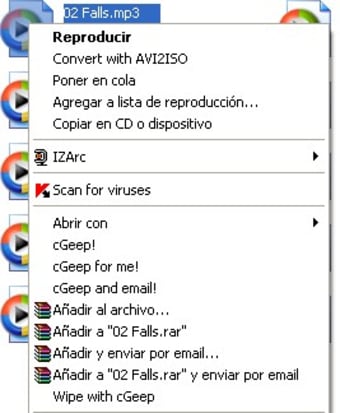
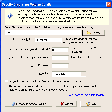
There are all sorts of scallywags out there that, given half a chance, would love to snoop on the files on your computer and the emails you send and receive. Luckily though, it's pretty easy to protect yourself, especially if you use cGeep. The app encrypts personal information quickly from the file menu of Windows Explorer using a list of passwords that you enters into the database program.

Top Recommended Alternative

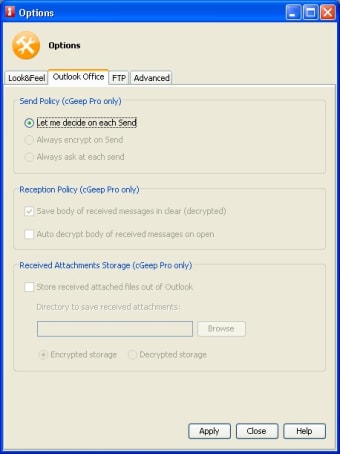
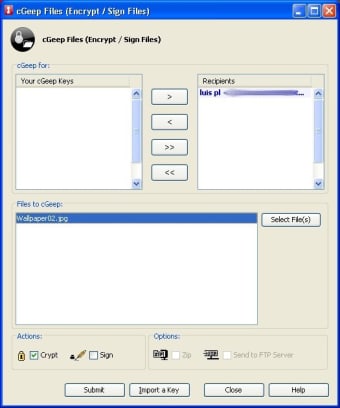
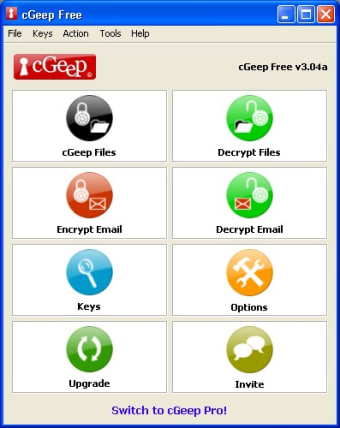
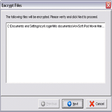
It has two main functions: to encrypt and decrypt files and emails. Compatibility with Outlook and many other clients, cGeep can send encrypted messages with a single click and receive correspondence equally safely. The utility makes things ultra safe by using a double password system, implementing both a public and private key.

Encrypting files and emails in cGeep can be done with a single click, making this one of the easiest security tools you'll find.

  • Pros

    • One-click encryption
    • Supports a wide range of email clients
    • Uses both private and public keys for added security
  • Cons

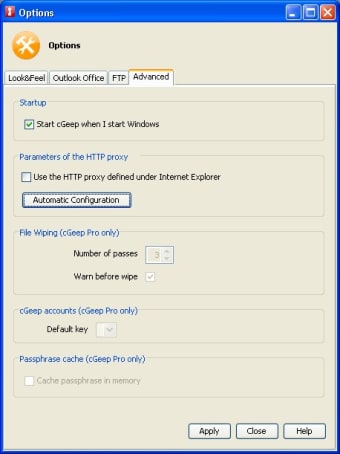
    • Not as many advanced security preferences as many other encryption tools
 0/7

App specs

  • License

    Free

  • Version

    3.0.4a

  • Latest update

  • Platform

    Windows

  • OS

    Windows XP

  • Language

    English

    Available languages

    • English
    • French
    • Russian
  • Downloads

    1.1K

    Last month's downloads

    • 2
  • Size

    8.06 MB

  • Developer

    • Cgeep

Program available in other languages


Icon of program: cGeep

cGeep for PC

  • Free
  • 4.9
    1
  • 1.1K
  • V3.0.4a
Free Download for PC

View an ad to download for free


User reviews about cGeep

Have you tried cGeep? Be the first to leave your opinion!

Add review

You may also like

Explore Apps

Latest articles

Laws concerning the use of this software vary from country to country. We do not encourage or condone the use of this program if it is in violation of these laws.
Softonic

Is cGeep safe?

100/100

Score result: Clean

This file passed a comprehensive security scan using VirusTotal technology. It is safe to download.

  • Virus free
  • Spyware free
  • Malware free
  • Verified by Security Partners

    VirusTotal logo

Scan Info

Last scan
Friday, December 22, 2023
Scan provider
VirusTotal · Full report

File Integrity

File
cGeep_Setup_v3.04a_en.exe
SHA256
0bdf7939bc00ff1b0c6df4f334aff3a132f480a17683986ec0a5921886d615fd
SHA1
798e95dee7825f1330141ca9de97cc60917e3717

Softonic security commitment

cGeep has been thoroughly scanned by our advanced security systems and verified by industry-leading partners. This file comes from the official developer and has passed all our security checks, showing no signs of viruses, malware, or spyware. For more information, visit our Security and Trust Center